Interactive demo
Experience the MUHRIVO Workflow
A guided walkthrough using sample data — no account, no upload, no commitment. See how an inspection moves from site to report in a few steps.
- 1 Property
- 2 Location
- 3 Finding
- 4 Evidence
- 5 Report
Step 1 of 5: Select property
Step 1 · Select property
Every MUHRIVO inspection starts from a project. Here's a sample one, already set up.
Riverside Apartments — Flat 12
4 Riverside Walk, London
Step 2 · Select location
Choose the area of the property you're inspecting.
Step 3 · Add a finding
Pick a sample finding and set its priority.
Step 4 · Attach evidence
A sample photograph is already attached — on site you'd capture this with your camera.
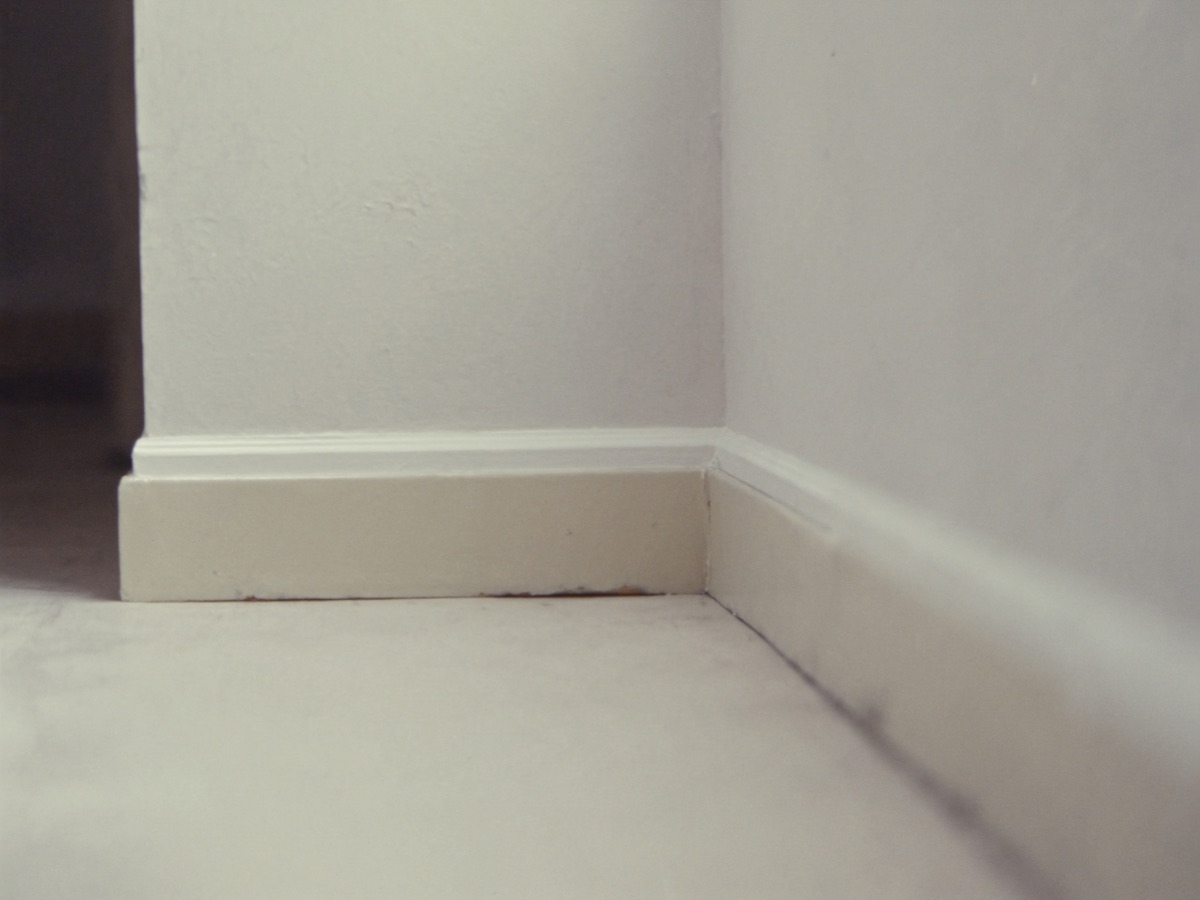
No upload needed — this sample photo is included for the demo.
Step 5 · Preview report
A report preview, built instantly from your selections.
Riverside Apartments — Flat 12
Pre-Handover Inspection · 12 June 2026
See how MUHRIVO can support your inspection workflow.
Talk to us